Residential
Control who enters your residential community
ArmorPass manages visitor, vendor, and staff access in residential properties. Every entry verified with a QR code, notified instantly, and permanently recorded.
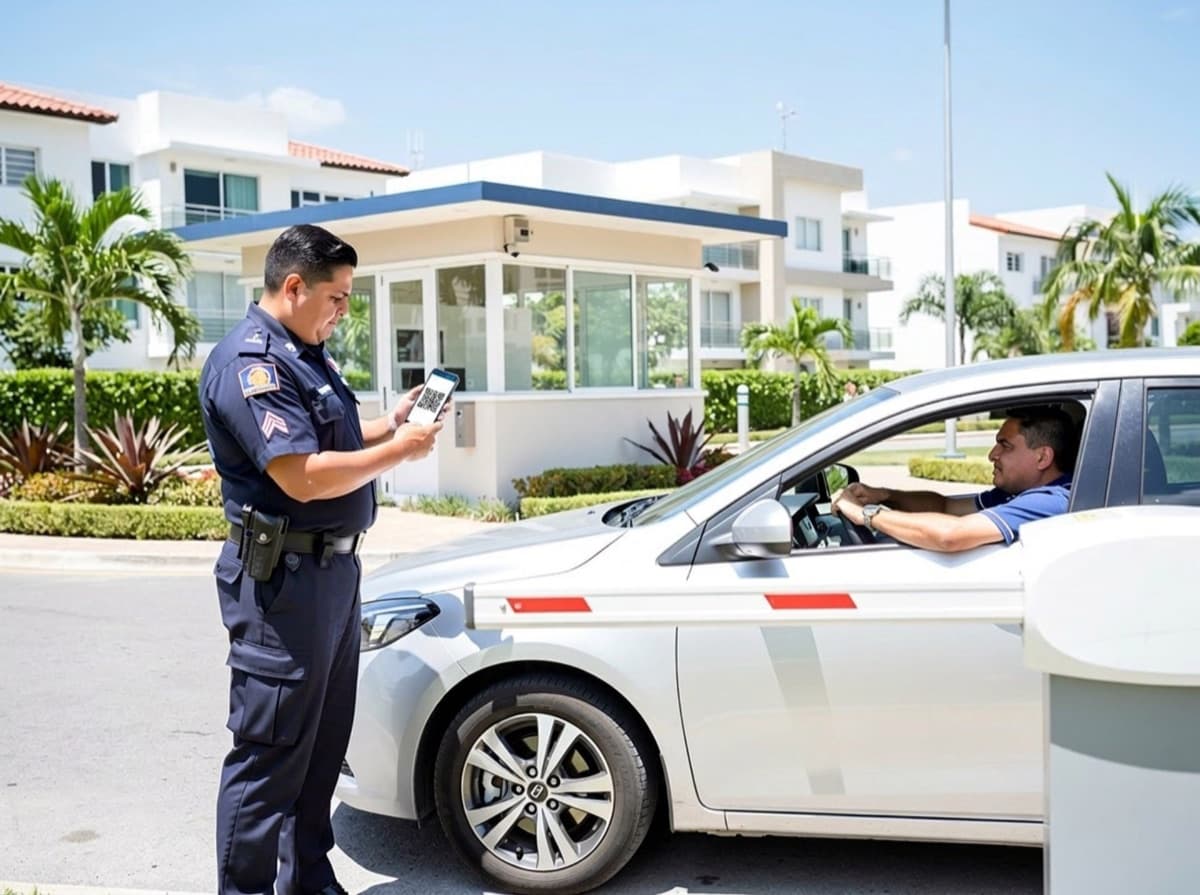
From the visitor logbook to verified access
Today
- Visits jotted down by hand in a logbook.
- Vendors with no record or control.
- The resident has to come down to authorize entry.
- No one knows for sure who came in on Tuesday.
With ArmorPass
- Every visit is logged digitally, no paper.
- Vendors with a complete access history.
- The resident authorizes from their phone, no need to come down.
- Permanent record: who came in, when, and who authorized it.
How it works in a residential community
1. The QR code is generated
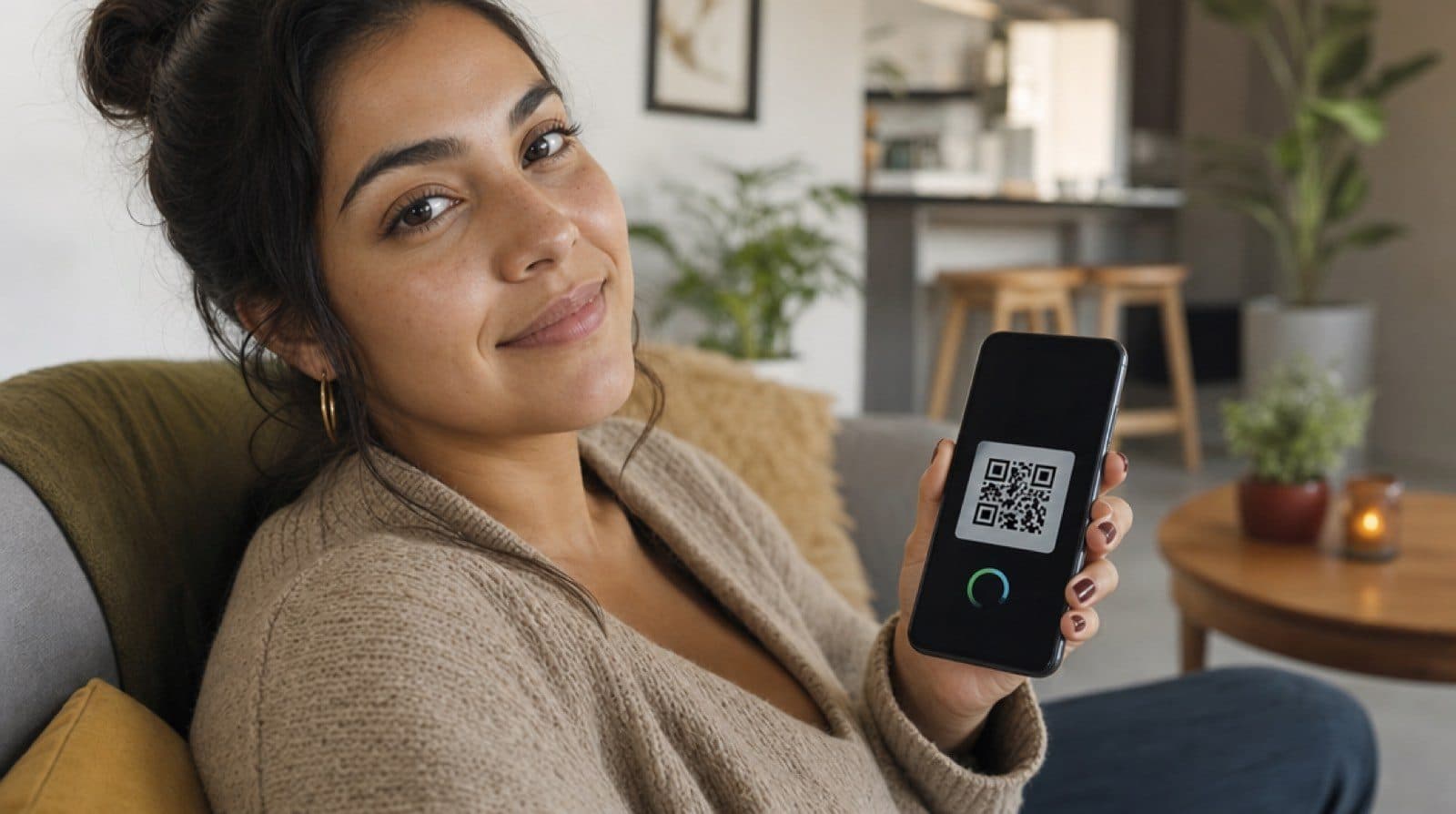
The resident creates a unique QR code for their visitor from the app.
Visitor
Carlos Mendez
Today, 7:42 PM
Visitor and vendor management
A residential community needs more than a door that opens: it needs a visitor log and a vendor log that management can check whenever needed.
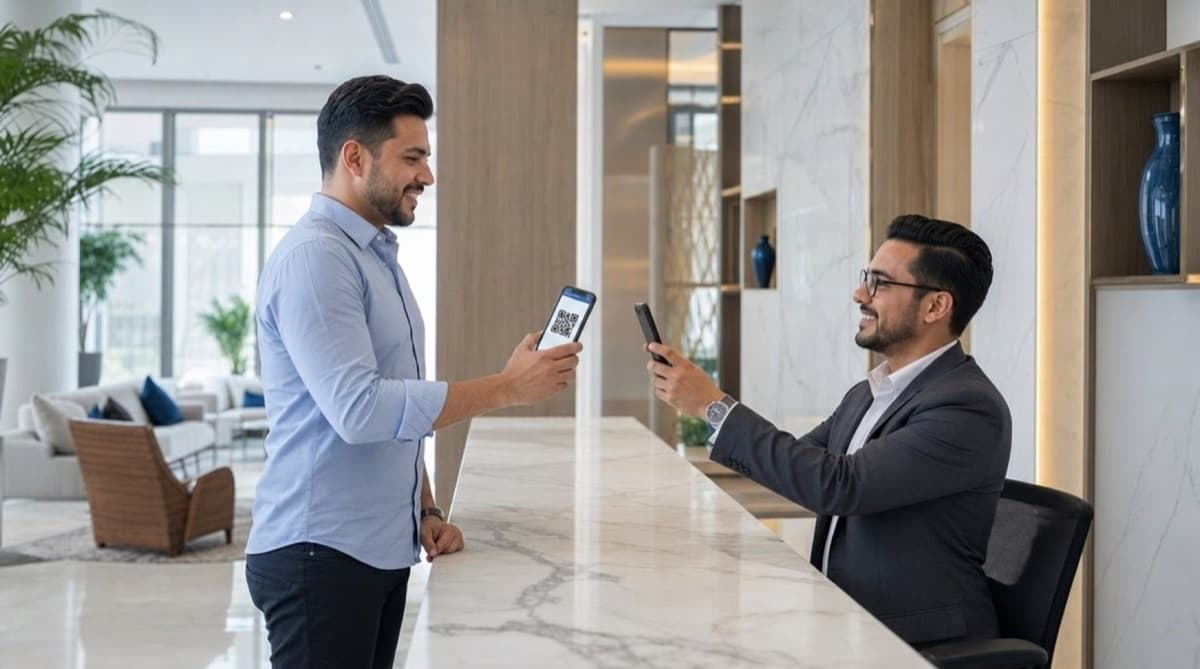
Visitor log with a unique QR code
Each visitor gets a single-use code, generated by the resident who authorizes the entry.
Vendor log with history
Maintenance, cleaning, or delivery staff are identified, with a history of every visit.
FastPass for frequent visitors
The housekeeper or trusted vendor gets a standing pass, no need to generate a QR code every time.
How ArmorPass gets used every day in a residential community
A community isn't managed with a door alone. Every ArmorPass feature answers a real situation a resident, a guard, or a manager runs into day to day. Here's how they connect:
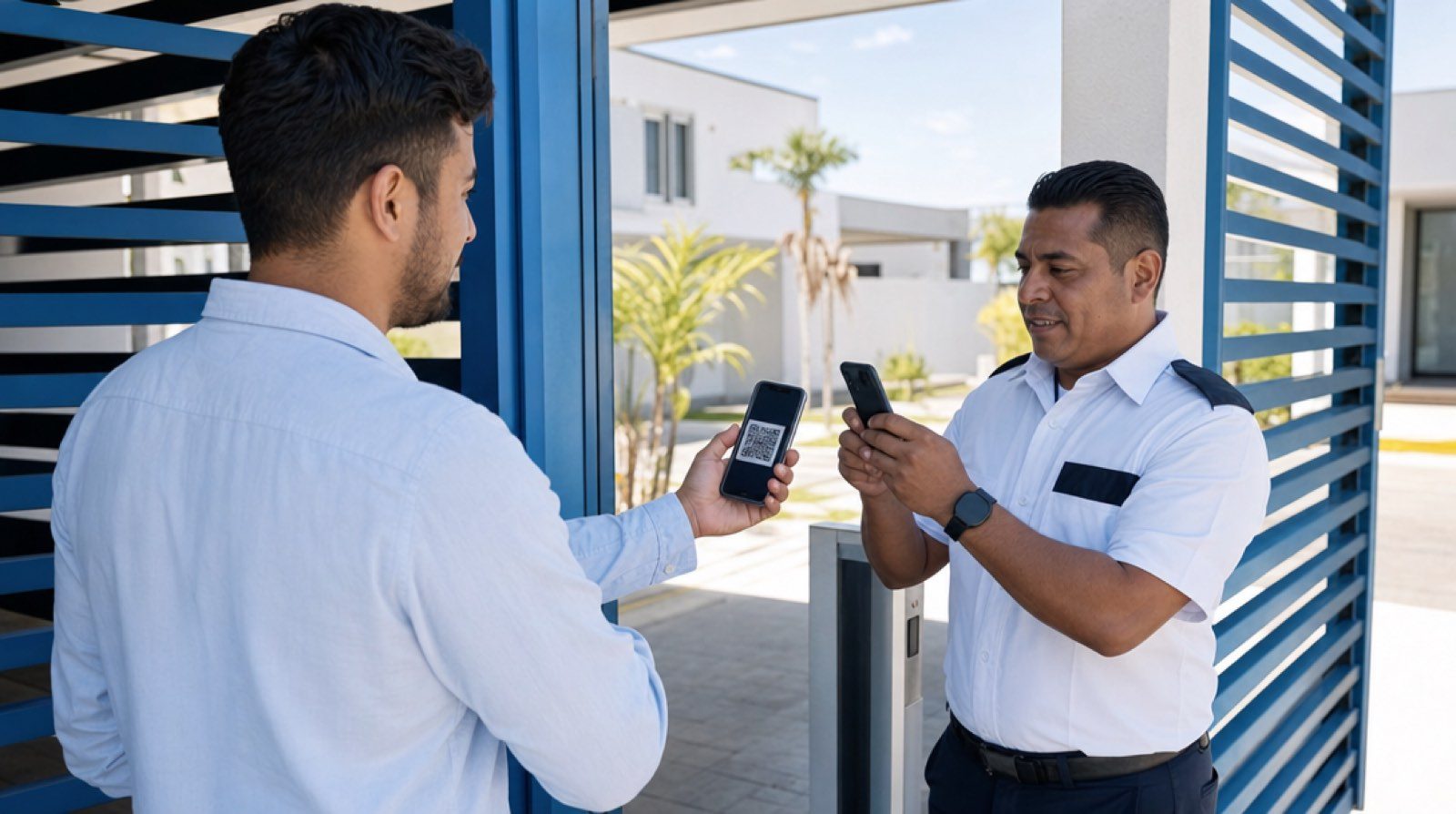
A regular visitor's day
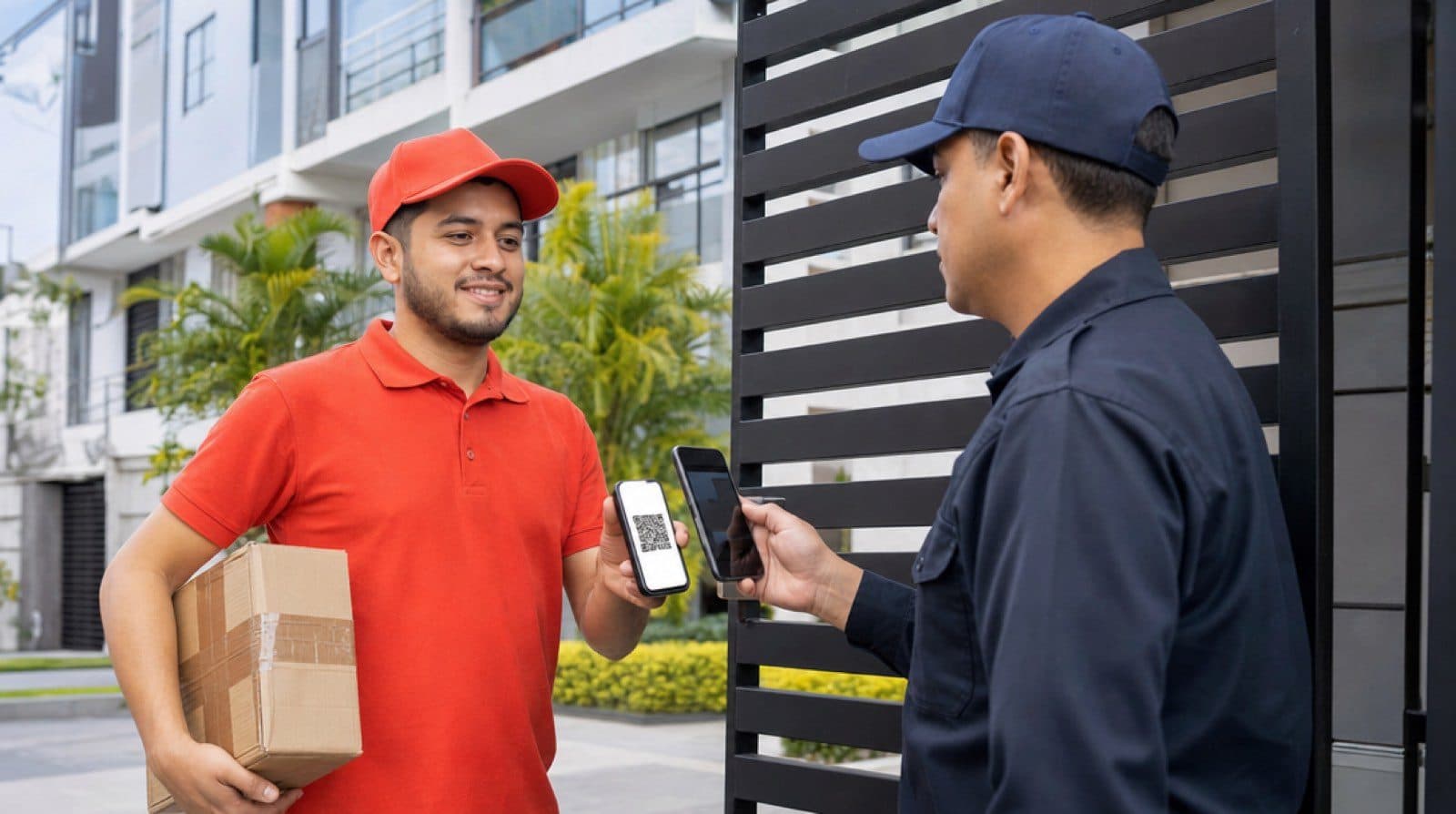
A family member is coming over Saturday. The resident generates the QR code from the app in seconds, no call to the front desk, no name left on a paper list. The guard scans the code, confirms it matches the right unit, and the resident gets a notification that their visitor arrived, all before the doorbell rings.
A recurring delivery or vendor
The gas provider or the housekeeper doesn't need someone to let them in every week. With FastPass, they get a standing pass that the guard verifies just like a regular QR code, without the resident having to generate a new code every time they arrive.
A complaint or damage in a common area
The gym has broken equipment. The resident files it through PQRS from the app, with a photo if needed, and gets a tracking number. Management receives it, responds inside the system, and the resident sees the status of the complaint without having to call and ask.
Booking the event room for a party
The resident opens the app, checks which common areas are free that weekend, and books the event room or the court directly, no trip to the management office, no waiting for a phone confirmation.
Features included for your community
Visits with a QR code
Generate a single-use code for each visitor from the app, no more relying on a paper log at the front desk.
Common area booking
Event room, court, pool, or gym, booked from your phone, with or without management pre-approval.
PQRS with tracking
Requests, complaints, and claims get a tracking number until management resolves them.
Maintenance payment receipts
The resident uploads their receipt from the app, no trip to the management office required.
Notices and surveys
Management shares important announcements and surveys residents directly through the app, with read confirmation.
FastPass for frequent visitors
Household staff, trusted vendors, and recurring family members get a standing pass, no need to generate a QR code every time.
Chat with management and the front desk
The resident messages security or management directly from the app, with the option to keep it private depending on the community's settings.
Permanent access log
Every entry and exit is saved with date, time, and who authorized it, available for management to check whenever needed.
More than the door: the life of the community
Common area booking
Event room, court, or gym, booked from the app.
Management notices
Important announcements go straight to every resident's phone.
Resident surveys
Take part in the decisions that affect your community.
Complaints and requests (PQRS)
File requests, complaints, or claims and track them to resolution.
Payment receipts
Upload your maintenance receipt without going in person.
Chat with the front desk
Message security or management without leaving the app.
A secure residential community starts at the gate
For management
- Order and a record of every access to the community.
- Fewer complaints about unauthorized visits.
- Complete history available on demand.
For the resident
- Peace of mind: only who you authorize gets in.
- Zero calls to the front desk to authorize visits.
- Everything from the app, wherever you are.
Frequently asked questions
How does ArmorPass residential access control work?
The resident generates a QR code from the app for their visitor. The visitor shows the code at the gate, the guard scans it with the ArmorPass Security app, and the resident gets an arrival notification. The access is logged with a name, a time, and who authorized it.
What happens if a visitor arrives without a QR code?
The front desk logs the visitor's details in the app and sends a request to the resident, who approves or declines access with one tap from their phone, without needing to come down to the gate.
Can ArmorPass be used for vendors and service staff?
Yes. A temporary access code is generated for recurring vendors, such as cleaning or maintenance staff, without having to authorize them every time they arrive.
Can management see the access log?
Yes. Management has access to the complete history of entries and exits for the community, with date, time, and who authorized each one.
How do residents book common areas with ArmorPass?
The resident opens the app, checks the availability of the event room, court, or gym, and books the time slot they need. Management can set bookings to confirm automatically or require prior approval, depending on the community's rules.
What is PQRS inside ArmorPass?
It's the community's request, complaint, and claim channel. The resident files an issue from the app and gets a tracking number; management responds inside the same system until the case is resolved, no calls or lost paperwork.
Can I upload my maintenance payment receipt from my phone?
Yes. The resident uploads the receipt directly from the app, no trip to the management office required to hand it in.
Go deeper
Related guides
Real cases and comparisons about access control and property management.
How to control access in a condominium: a guide for managers
A practical guide for condominium managers: how to get access control approved, digitize the front desk, train security staff, and which metrics to review every month.
Read guideCondo & HOA Management Software: A Category Guide
The main categories of condo and HOA management software, what each one covers, and where access control and visitor management fit in.
Read guideWhat Is a Resident Experience App? Features That Matter
What a resident experience app does, the features that separate a real one from a basic announcements app, and what adoption looks like in practice.
Read guide