Corporate
Log every visitor, notify every host
ArmorPass controls visitor and vendor access at your company. QR verification, instant host notification, and a complete record of every visit.
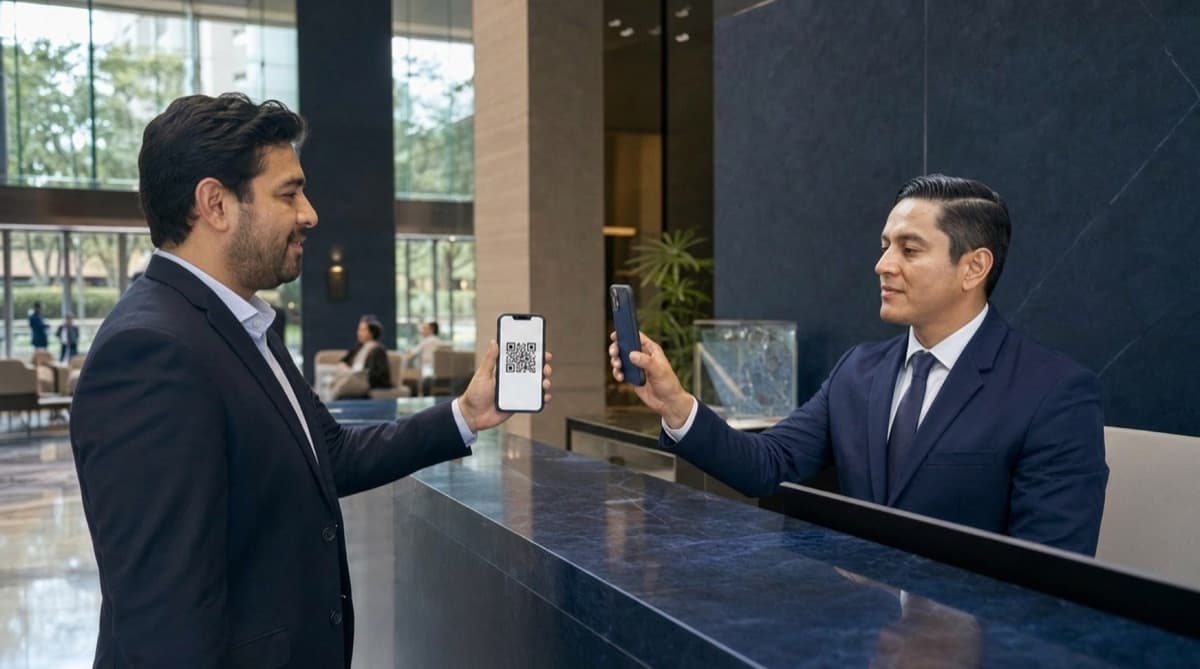
How it works at a company
1. The front desk pre-registers the visit
Name, company, and reason for the visit. The QR code is generated instantly.
Visitor
Jorge Luna
Today, 10:17 AM
Company
TecniClima
Reason
Air conditioning maintenance
Recurring vendors get a frequent pass, no need to generate a code every time. Learn about FastPass
Visitor and vendor registry
Vendors with a complete history (who came, from which company, how many times, authorized by whom) and visitors with a verifiable appointment: evidence ready for internal audits.
- Complete history for every vendor and visitor.
- Appointment verification before the visitor arrives.
- Evidence available for internal audits.
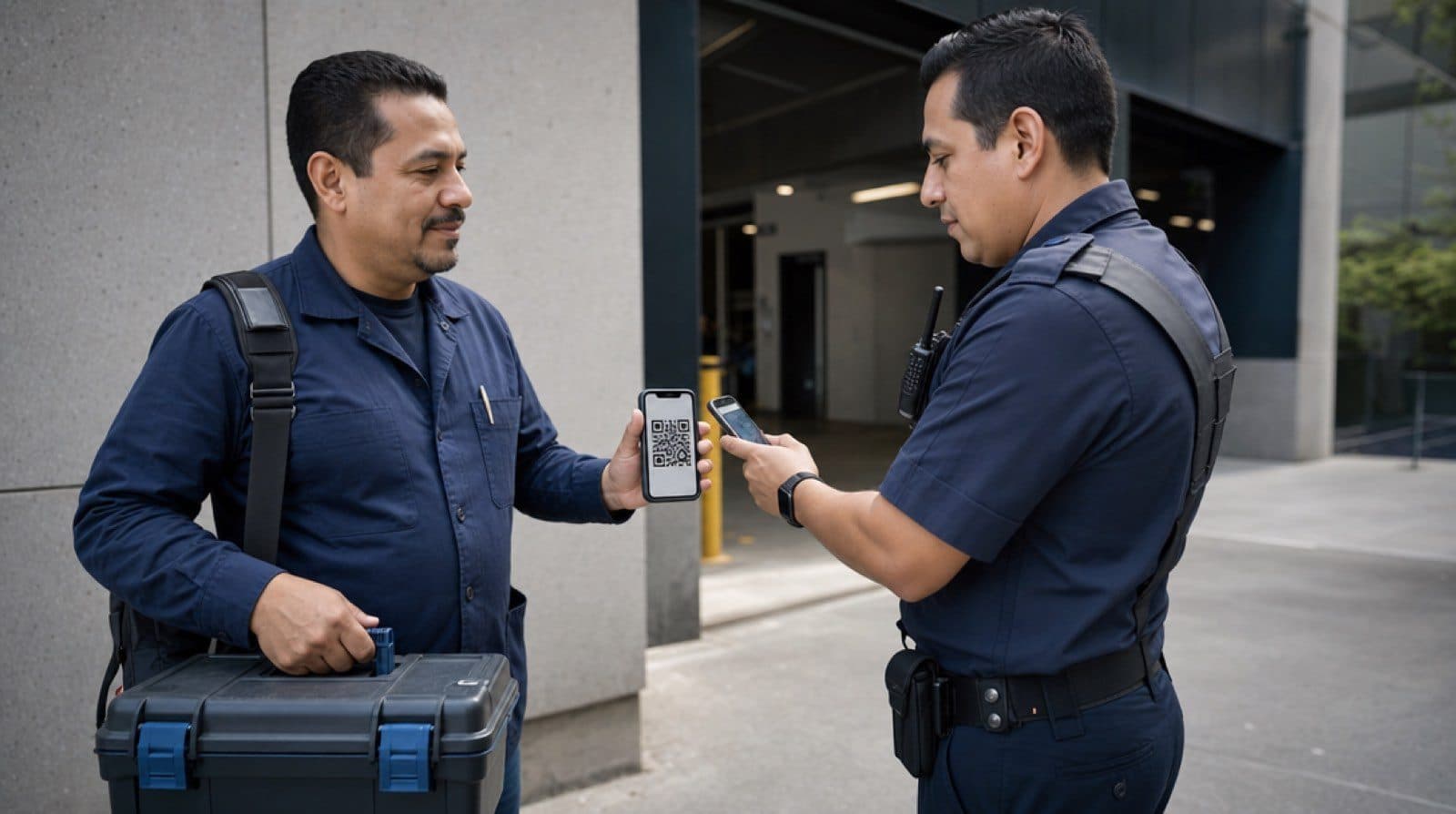
Corporate use cases
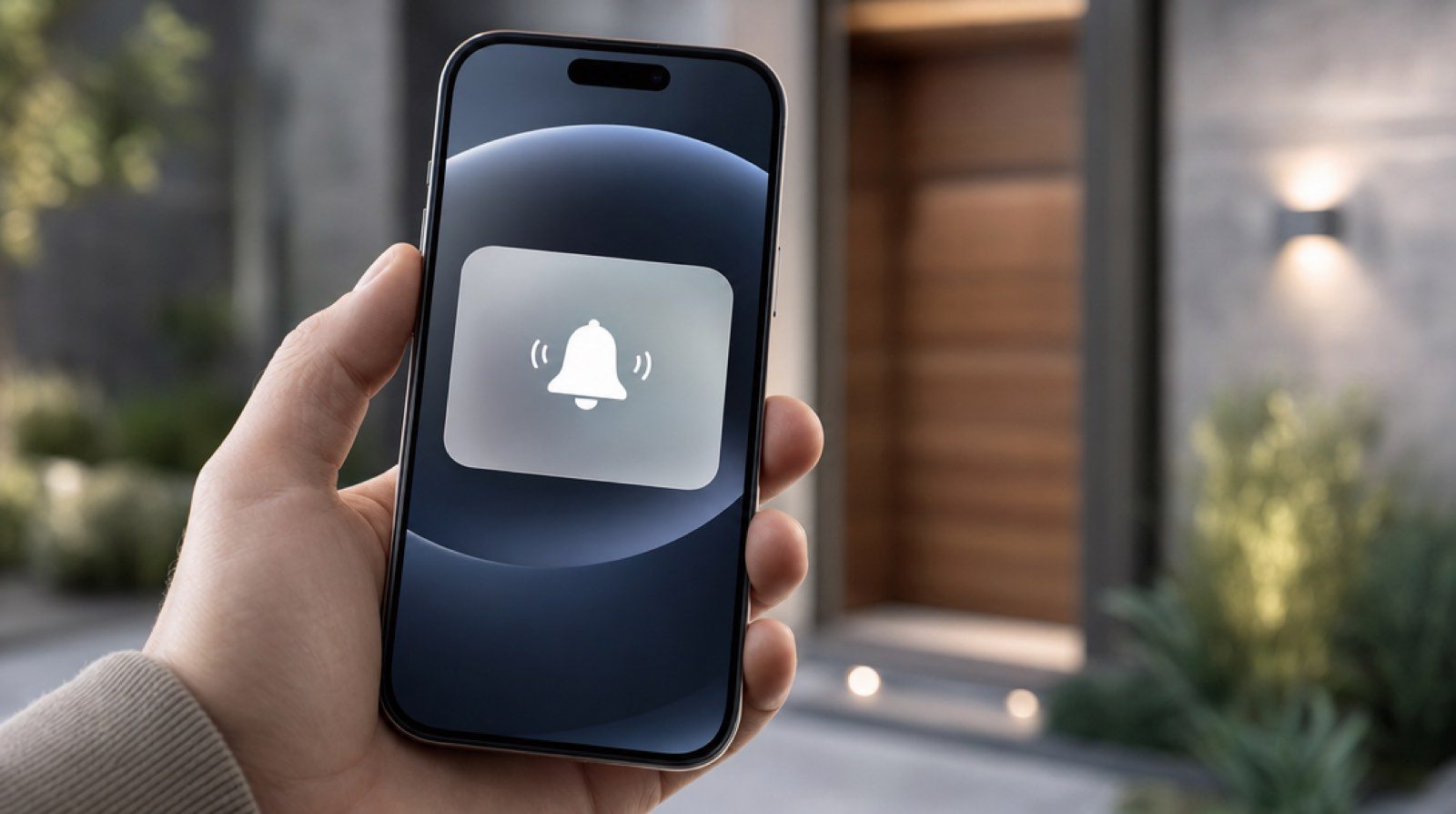
Visitor arrival notification
The front desk logs a visitor or vendor's arrival and generates a QR code that gets sent to the designated host, notifying them immediately.
Appointment verification
The host confirms the identity of the arriving person by scanning the previously sent QR code, from their own phone.
Event access
Generate custom QR codes for event guests, and allow entry only to those with a valid code.
Restricted area control
Security staff verify the identity of anyone attempting to access restricted areas through the QR code and its authorization details.
How ArmorPass gets used in a company's daily operation
Corporate access is not just the front door: it's vendors coming in every week, visitors with appointments, guests at a one-off event, and a security team that needs to answer for every one of them if asked.

A recurring maintenance vendor
Instead of logging the same technician every week, Procurement assigns them a FastPass. The front desk verifies it just like any other code, and every visit is still traced in the history, without repeating the full check-in every time.
A visitor with a confirmed appointment
The host schedules the meeting and ArmorPass generates the code before the visitor arrives. The front desk just confirms identity, the host gets an arrival notification, and no phone call is needed to verify the appointment was real.
An event with dozens of guests
For a conference or an internal event, custom QR codes are generated for each guest. Only those presenting a valid code get in, and attendance count is available with no paper lists at the door.
An internal security audit
When the security or compliance team needs to answer who accessed a restricted area on a specific date, ArmorPass's history delivers the answer with date, time, area, and who authorized the access, no reconstructing anything from a paper log.
Security and order, without friction for your visitors
Access policies tailored to you
Define who enters, which area, and during which hours. Temporary access expires on its own, and everything stays available for review afterward.
- Restrict sensitive areas by role, schedule, or visitor type.
- Temporary access that expires automatically.
- Searchable history for any future audit.

Frequently asked questions
How does ArmorPass notify a host when their visitor arrives?
The front desk logs the visitor's arrival and generates a QR code. That code is sent immediately to the designated host, who gets notified on their phone before the visitor reaches their office.
Can access to restricted company areas be limited?
Yes. ArmorPass lets you define access policies by area, role, or schedule, so only authorized staff can enter sensitive zones.
Can ArmorPass control access at corporate events?
Yes. Custom QR codes are generated for each guest, and only those presenting a valid code can enter the event.
Is there a record of who authorized each access?
Yes. Every scanned code is logged with date, time, and the details of who authorized the access, available for audit.
How does ArmorPass handle a vendor who visits the company every week?
Instead of logging the vendor every time, Procurement or Security assigns them a FastPass. The front desk verifies it just like any other code, and every visit is still traced in the access history.
Does ArmorPass provide evidence for a security or compliance audit?
Yes. The access history includes date, time, area visited, and who authorized each entry, available for review whenever security or compliance needs it.
Can the access history be filtered by company or by date?
Yes. The history is searchable by vendor, visiting company, or date range, useful for both daily operations and internal reviews.
Go deeper
Related guides
Real cases about access control, recurring vendors, and visitor management for companies.
Access control for recurring vendors: the blind spot
How to manage access for vendors and outside personnel who visit a company regularly, who should approve each pass, and how to handle the end of the contract, without losing verification or creating friction every week.
Read guideManual vs digital access control: the real cost
Where time and money get lost with manual access control, how to estimate that cost in your own building, and what the same process looks like once it is digitized.
Read guideVisitor management for companies: digitizing the front desk
A guide for office managers and corporate security on registering visitors fully: identity, host, purpose, and notification, without a paper logbook.
Read guide