Schools
Your child only leaves school with the person you authorized
ArmorPass verifies with a photo and a QR code who is allowed to pick up each child, and keeps a record of every school entry and pickup.
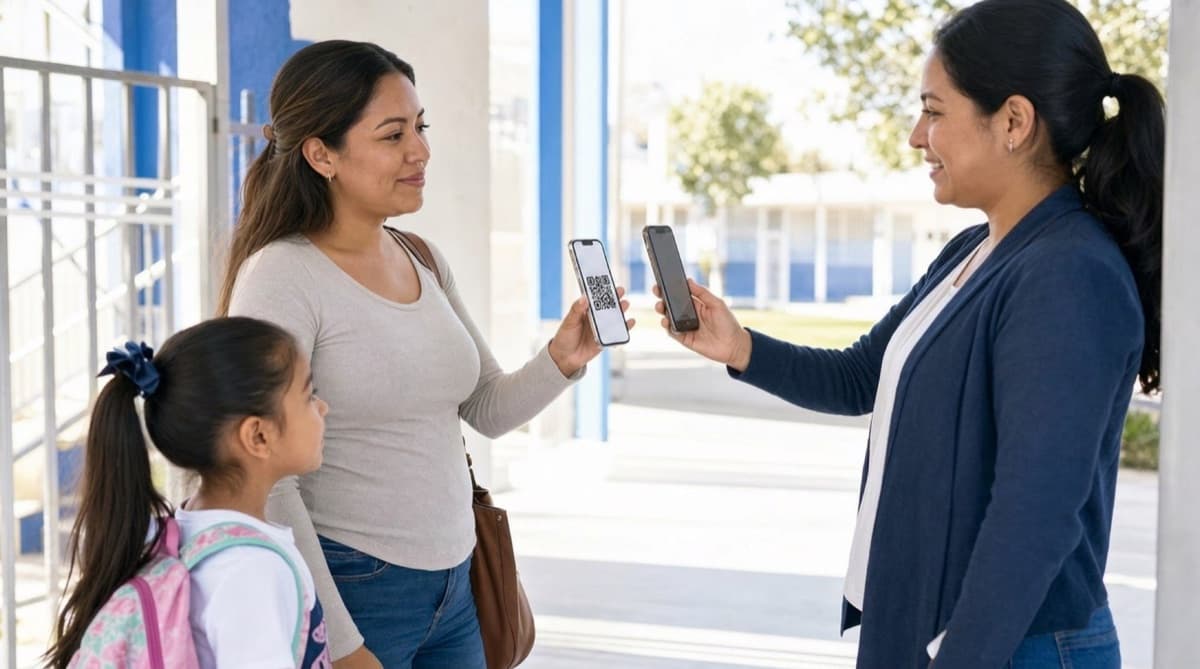
How safe pickup works
1. The parent or guardian authorizes
Upload a photo of the authorized person and generate the QR code from the app.
Authorized person
Pickup for Ana G.
Today, 3:05 PM
What makes it reliable
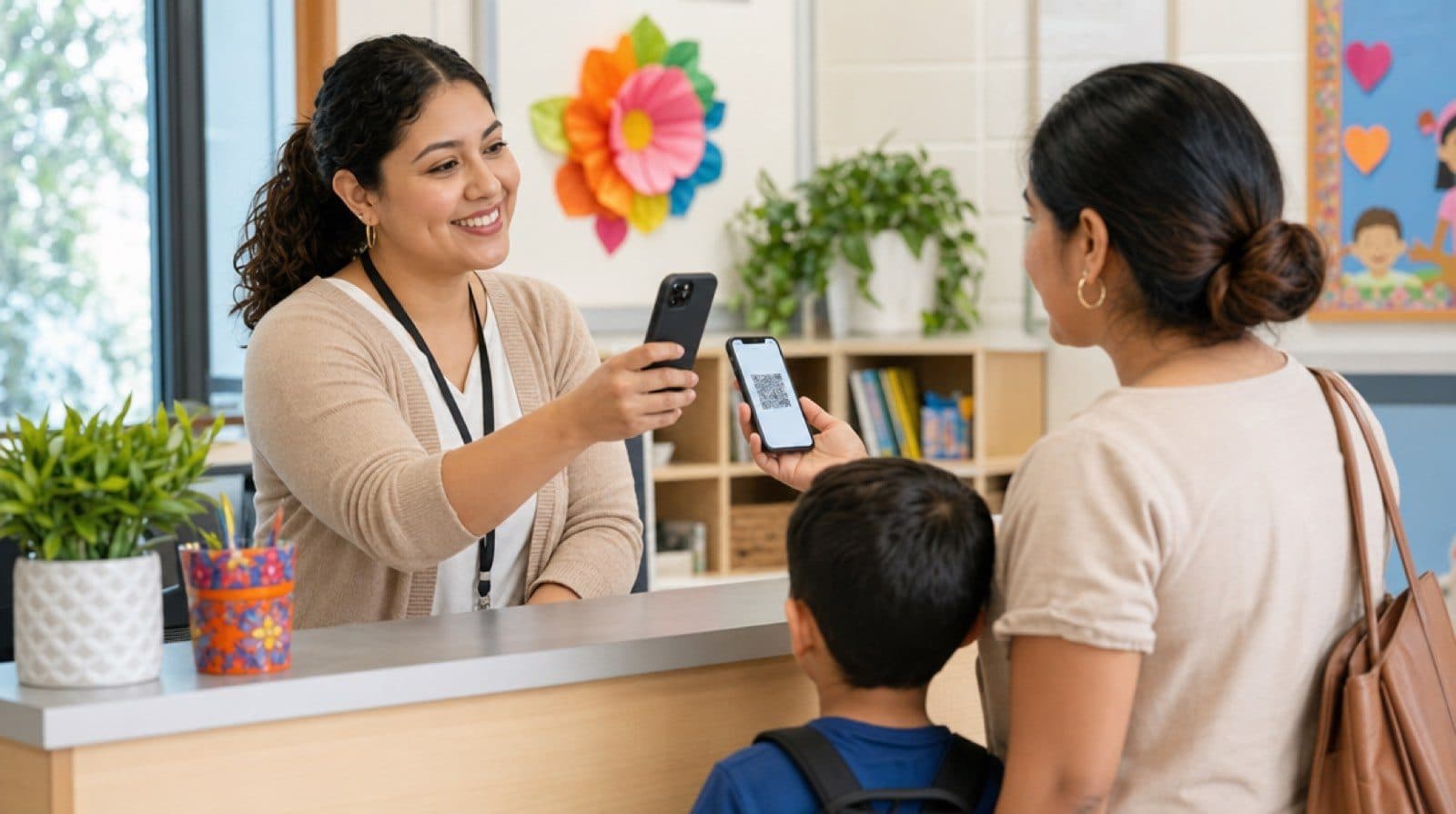
Photo verification
The QR code includes a photo of the authorized person, not just a generic code.
Single-use or recurring codes
Generate a code for a one-time pickup or one valid for the whole school term.
Pickup history
The school keeps a history of every entry and pickup, available for review whenever needed.
Third-party authorization, explained
Most paper-based pickup protocols rely on a name list and whichever teacher happens to be on duty remembering a face. ArmorPass replaces that with a verifiable code, while still covering the cases where a parent cannot pick up their child in person.
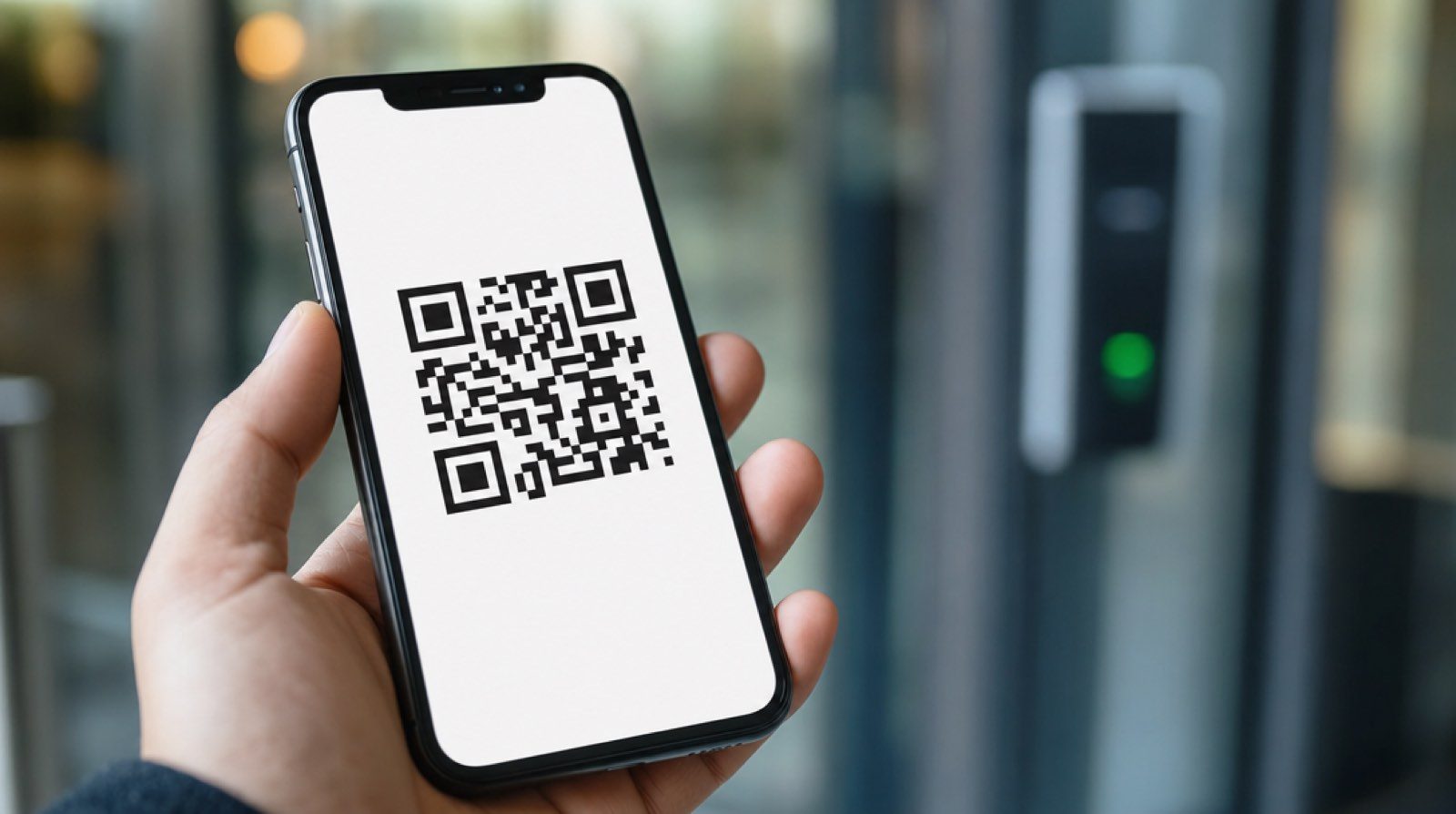
Photo of the authorized person
The parent or guardian uploads a photo when generating the code. The school does not just confirm a name: it confirms the person present matches the photo.
One-time or standing authorization
For a single pickup (an uncle visiting for the day) or for the whole school year (the nanny who picks up every day), the parent chooses how long the code stays valid.
Multiple authorized people at once
A single child can have more than one active authorized person, each with their own code, to cover both parents, grandparents, or caregivers depending on the day.
Revoke access at any time
If the situation changes, the parent deactivates the authorization from the app and the code stops working immediately.
And if something does not add up
If the QR code does not verify or the photo does not match, the school does not release the child and contacts the parent or guardian directly from the app. The system is designed to say no by default.
Real situations ArmorPass solves at a school
A paper pickup protocol works fine as long as everything goes as usual. ArmorPass is built for the situations that today depend on a teacher recognizing a face or taking someone's word for it.

A grandparent picks up a grandchild for the first time
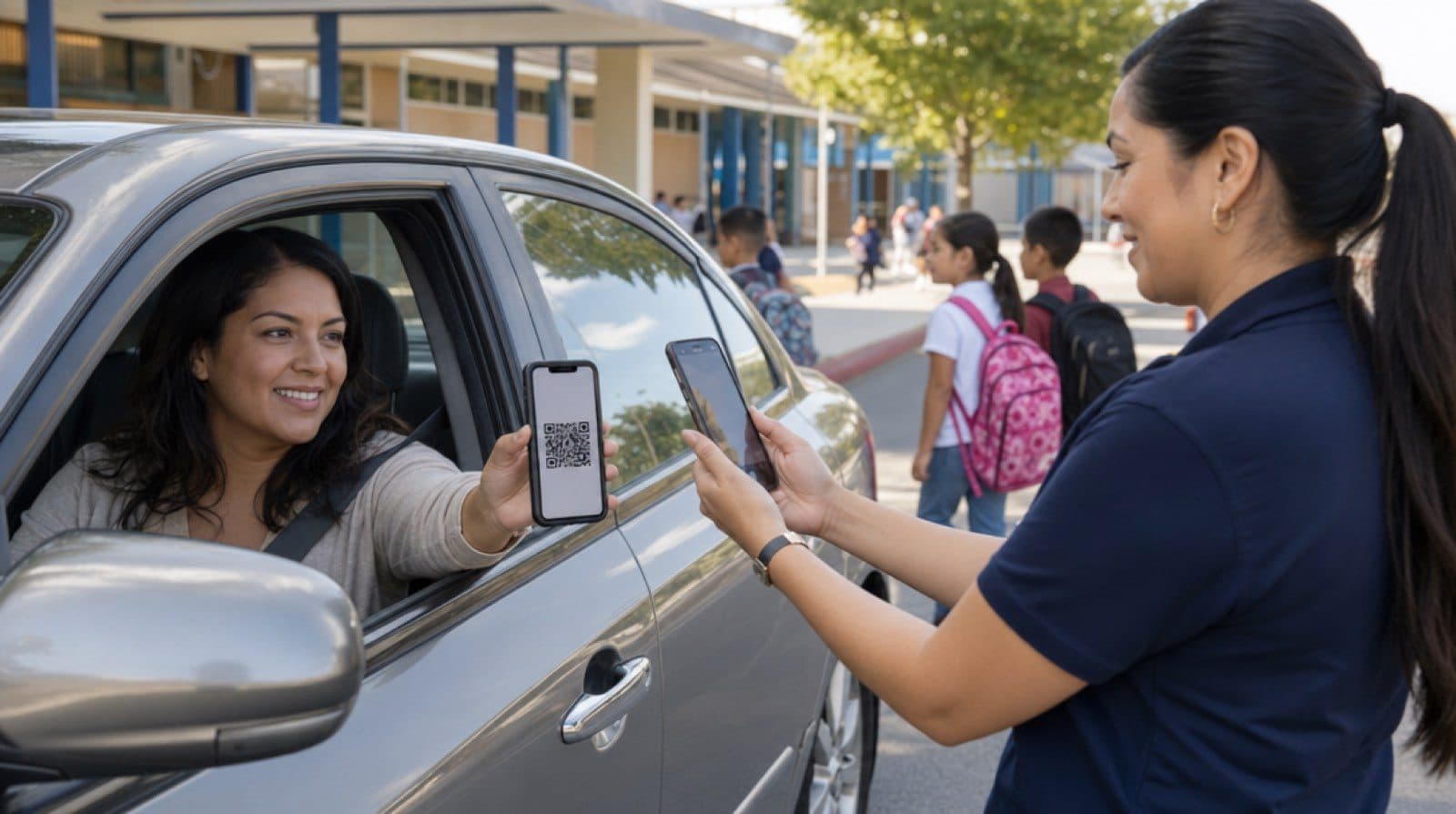
The parent can't leave work and authorizes the grandmother from the app, with her photo included in the QR code. She arrives, presents the code on her phone, the school confirms the photo matches the person present, and only then releases the child. No one had to recognize her by sight.
A trusted caregiver who picks up every Tuesday
Instead of generating a new code every week, the parent sets up a FastPass valid for the whole school term. The caregiver presents it every Tuesday and the school verifies it just like any other code, with no friction for anyone.
Someone arrives without a QR code
The system is designed to say no by default: if the person doesn't have the code, school staff contact the parent or guardian directly from the app before even considering the handoff. No pickup happens without verification.
A visitor or vendor enters the campus
Beyond child pickup, the school also logs access for visitors and outside vendors (maintenance, catering, contractors), with the same QR-based access control and the same log available to administration.
Also for everyday school life
Notices to parents
Important announcements go straight to every family's phone.
Surveys
Quick polls for parents and school staff.
General notifications
School announcements without relying on paper notices.
Visitor access control
Visitors and vendors on campus are also logged.
School pickup, verified, not assumed
For parents and guardians
Authorize from your phone who can pick up your child when you cannot. Get a confirmation the moment the pickup is completed.
For schools
Manage pickup logistics without relying on paper lists. Every pickup is documented and available to school administration.
Frequently asked questions
How does a parent authorize someone else to pick up their child?
From the ArmorPass app, the parent or legal guardian registers the name and photo of the authorized person. The system generates a unique QR code that person must present at the school at pickup time.
What happens if the person picking up the child does not have the QR code?
School staff contact the parent or guardian directly to confirm the authorization before releasing the child. Without that confirmation, the pickup is not authorized.
Can the QR code be used more than once?
It depends on the setting the parent or guardian chooses: it can be generated for a single pickup or stay active for the entire school term.
Can the school check a student's pickup history?
Yes. Every pickup is logged with date, time, authorized person, and who granted the authorization, available for the school administration to review.
Can more than one person be authorized to pick up the same child?
Yes. A parent or guardian can register several authorized people, each with their own QR code and photo, and turn each authorization on or off whenever needed.
Does ArmorPass also work for school visitors and vendors, not just child pickup?
Yes. The same QR-based access control is used to log visitors, contractors, and vendors entering the campus, with history available to school administration.
What if a parent needs to authorize an emergency same-day pickup?
The parent can generate the QR code from the app on the spot, with no advance notice, including a photo of the authorized person. The school verifies it just like any other code before releasing the child.
Go deeper
Related guides
Real cases about third-party authorization and school pickup safety.
School security: what parents and schools should require
A school security checklist: identity verification at the door, pickup protocol, visitor and vendor logging, and communication with parents.
Read guideSchool pickup safety: preventing the wrong-person pickup
A guide for schools on school pickup, the highest-risk moment of the day: verifying identity, confirming authorization, and keeping a clear record.
Read guideThird-party pickup authorization protocol: the essentials
How to design a clear protocol for when a parent authorizes a third party to pick up their child from school: verification, records, emergencies, custody-sensitive cases, and staff responsibilities.
Read guide